How to create your own unique logo for free online


Having a brand of your own then logos are important to it. A LOGO means Logic Oriented Graphic Oriented  so its must have a good logic and graphic.But making a logo is no more a hard job there are many sites available online for logo creation. Iam introducing here a site name wix logo maker to do this job with it you can make a logo simply by selecting your theme.

Now just follow my instructions.
  • At first click the link given below.  


  • After clicking the link you will  be on wix's official logo maker site.
  • Just click start now button

  • They will ask you to log in. I already have an account if don't have a one you can sign in with your gmail account or simply with your facebook account.  If you done this successfully a scree will appear like this⬇⬇
  • Type the name in which you want to create your logo. If you have a tagline you can add it too. After adding it just click lets go.
  • For the optimisation of the results next they will ask you for what's your logo for. Type it and click the next button.
  • To give you most suitable results they also ask you to select the type of look you want to give to your logo. I selected the modern one you can select which you like and click the next button.
  • To know your taste they will show you 5 pre-build logos with a like and a dislike button. Like those which are to your taste.
  • Next they will show some logos  according to your entries . Pick one for which suits you best. And click the edit button.
  • After clicking on the edit button u can customize and make it your own.
  • You can change its color or pick one from the inbuilt themes.
  • You can search for a specific icon and change it as you wish.
  • You can change text,shapes and anything you want.
  • After your customisation click the download button.  
  • If you want you can pay and download high resolution logo and own copyrights for it.
  • If you don't want to pay you can simply screenshot it from the previous step or you can download a free sample.
  • That's if you understood this guide and if you like us please don't forget to subscribe us. 📧 

How to find new whatsapp statuses using sharechat


ShareChat India is the one of India's social app to communicate with ​friends​, ​share jokes​, and avail daily news from India within seconds.
ShareChat being the most convenient ​messaging app​, also enables you to ​make new friends​, share videos, jokes, GIFs, audio songs, ​shayaris,​ ​motivational quotes​, ​funny quotes, bhajans, devotional songs​ and funny images all in one platform.

Indian languages like Hindi, Telugu, Marathi, Gujarati, Punjabi, Malayalam, Bengali, Tamil, Kannada, Odia, Bhojpuri, Assamese, Rajasthani and Haryanavi are all available on ShareChat’s multi-linguistic keyboard which allow its’ users to connect with ​friends​ and family in their native language, all over the country with great ease

Well that's all wiki news personally I use this app for updating my status.
Most of my friends use it to update their status.This app have a section known as whatsapp corner which is optimised for putting whatsapp status.

[Click here to go to their official site] For PC users
[Download from playstore]  For Android users

Pros of this app-


  • Pick from a wide range of topics according to your mood. It has a wide range of topics from Whatsapp corner to devotional. It varies according to your language.


  • When u pick a topic it has a wide range of Sub-topics. For example if u select whatsapp corner it has subtopics such as Typography,BGM status,Video status etc.
  • It is not necessary to login into this app,you only require a login if u want to upload stuffs or to comment on posts. So if u wish u can browse anonymously. You can can have followers and can follow others just like similar apps 


  • Share instantly- You can share instantly the posts you like directly into whatsapp status or to groups or other persons. If you are using its official site you can download videos and save it your gallery. This videos are optimised to put whatsapp status. Most of the videos are 30 secs which are the maximum time supported for a status video.
Cons-
  • Watermarks are the worst thing in this app every images and videos you share will have its default watermark as sharechat most of us hate it. If u ask me I only share stuffs got from this app only after cropping. But to hide their watermarks from their videos are a nightmare.
  • This app has set permission to block you from capturing screenshots and videos from this app because if you capture their screens they can't put their watermark into it. You can't capture their screens if u use sharechat app but still you can do it if you are surfing it with a browser.
Overall performance is good this app is better than all of the similar apps which are available on playstore. My personal opinion is this is the best app which help u to find nice whatsapp status.

How to connect with pc without using usb cable


Xender web- With this feature u can connect your device with PC and can use it like while u connected it via a USB cable actually much more features than it. You can also use share-it app to connect with PC like this but here I use xender app for it. Follow my instructions given below⇓⇓  
Note: You don't need mobile data to use xender web.

If u don't have this app u can download from playstore


  • First open your Xender app and open options tab then select more option there u can see connect to PC like this.⇧⇧

  • Then click on the create hotspot button
  • You can use both hotspot and wifi to do this here i use a hotspot connection.
  • Now open your wireless network tab and connect with network starting with xender  
  • your next step is go to a web browser I use chrome and search for this address while connected to this wireless network 192.168.43.1:33455
  • wait for a moment and if u done all this things correctly a pop up window will appear on your phone 

  • Now tap the accept button .
That's all for establish a connection and now you can start sending and receiving  files.Once u connected you can bookmark the page and easily access it.

Special features-
After you are connected you can remotely play your images from your phone  into your pc 

  • Just select to play images directly into your pc 


Your image will be instantly  played on your pc like this⇊⇊ 


Play music without sending-
U can play music on your pc even without sending using xender web because of the super speed feature of this app.


Access content-
like you are connect via a usb cable. You can save ,delete files just like u do when connect via a usb cable.


Upload files back-
You can also sent files back to your device using the upload button.

Seperate files into categories-
It also separate files into different categories such as images,videos,music documents ,zips and APK's. So it is easier to find than using a usb cable.

I hope after reading this article you will you this feature if u don't have a usb cable,as it is a perfect alternative and a lot more than an alternative.✌ 💃💃  


Setting up a Virtual Private Network (VPN)

A virtual private network (VPN) extends a private network across a public network, and enables users to send and receive data across shared or public networks as if their computing devices were directly connected to the private network. Applications running across a VPN may therefore benefit from the functionality, security, and management of the private network.

VPN technology was developed to allow remote users and branch offices to securely access corporate applications and other resources. To ensure security, data would travel through secure tunnels and VPN users would use authentication methods - including passwords, tokens and other unique identification methods - to gain access to the VPN. In addition, Internet users may secure their transactions with a VPN, to circumvent geo-restrictions and censorship, or to connect to proxy servers to protect personal identity and location to stay anonymous on the Internet. However, some Internet sites block access to known VPN technology to prevent the circumvention of their geo-restrictions, and many VPN providers have been developing strategies to get around these roadblocks.

A VPN is created by establishing a virtual point-to-point connection through the use of dedicated connections, virtual tunneling protocols, or traffic encryption. A VPN available from the public Internet can provide some of the benefits of a wide area network (WAN). From a user perspective, the resources available within the private network can be accessed remotely.

Traditional VPNs are characterized by a point-to-point topology, and they do not tend to support or connect broadcast domains, so services such as Microsoft Windows NetBIOS may not be fully supported or work as they would on a local area network (LAN). Designers have developed VPN variants, such as Virtual Private LAN Service (VPLS), and Layer 2 Tunneling Protocols (L2TP), to overcome this limitation.

Your next question will be ,Is it legal to use a VPN in India ? Yes it is legal to use a VPN in India. But it is still illegal to use a VPN in countries like UAE, Iraq etc.
Well every sites u visit including mine use your IP address to grant u access. U can change your IP address using a VPN or hide yours using a VPN. While using a VPN your VPN's server address is shown instead off your real ip address.


Based on your VPN host different amount of servers to change your locations are available on the internet. Nowadays specialised servers for streaming and peer to peer networks ex torrent  are also available. I am using  VPN on all my devices as the security too. You can search on  the internet to select your  vpn provider and select plans based on you money.

I strongly recommend u to use a vpn. By Reading this article I hope that u understood all about a VPN and you will start to use a vpn to secure your connection.  📶 📲  📴 

How to start your own Blogger blog


 Blogger is a blog-publishing service that allows multi-user blogs with time-stamped entries. It was developed by Pyra Labs, which was bought by Google in 2003. The blogs are hosted by Google and generally accessed from a subdomain of blogspot.com. Blogs can also be served from a custom domain owned by the user (like www.example.com) by using DNS facilities to direct a domain to Google's servers. A user can have up to 100 blogs per account.  It was launched about 18 years ago,written in python


https://www.blogger.com/
NOTE: Your only requirement is that you must have an email id to publish posts


  • Click on the create your blog button


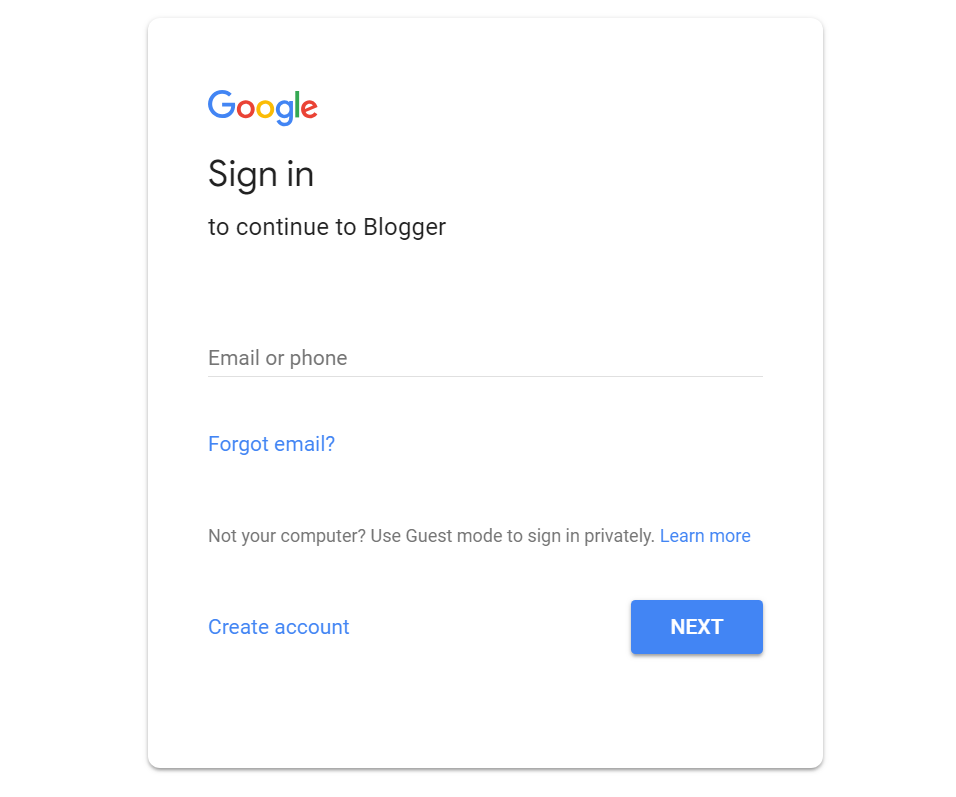
  • Type your email id and password  and click the next button

  • Put an appropriate title and  give an address ending with  .blogsot.com
  • NOTE: you can change it after & u can buy custom domain names
  • click on the new post button 

  • An editor will appear here u can write your blogs  and click publish button to publish your blogs 
  • if u want u can customise your blog with themes layouts etc


  • you can invest money to earn money 
  • if u are eligible u can earn submit it for Adsense once if they approve it u can start earning money 


That's it enjoy 👍👍👍hope u understand  this tutorial.For more content,feedback and suggestions contact me at evilkannevil2017@gmail.com Iove to hear from u.